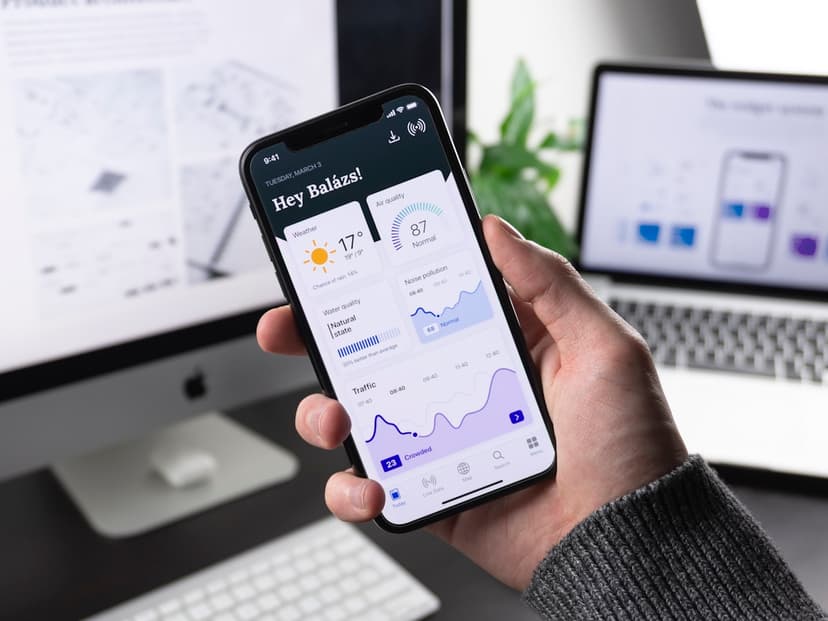
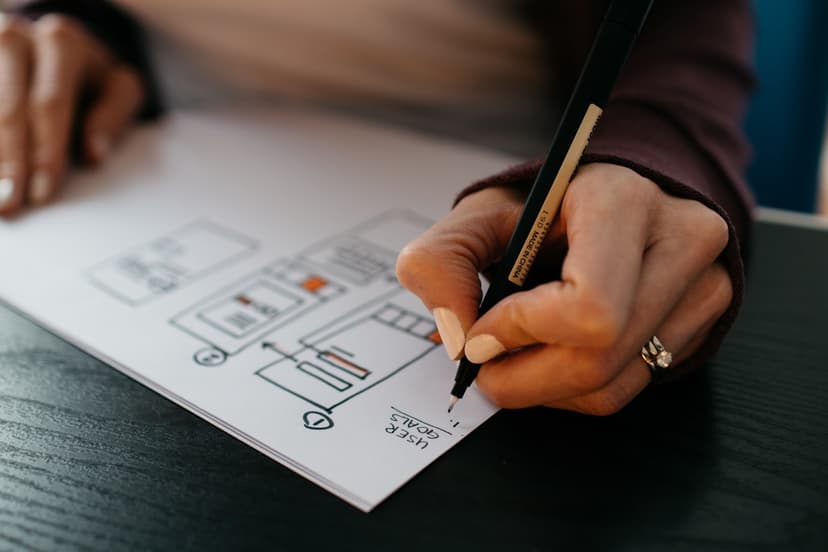
Prototyping & Interaction demo-ready.
High-fidelity interactive prototypes for user testing, investor demos, and engineering buy-in. I make prototypes that feel like real apps — not Figma click-through stubs — with explicit motion specs at handoff.
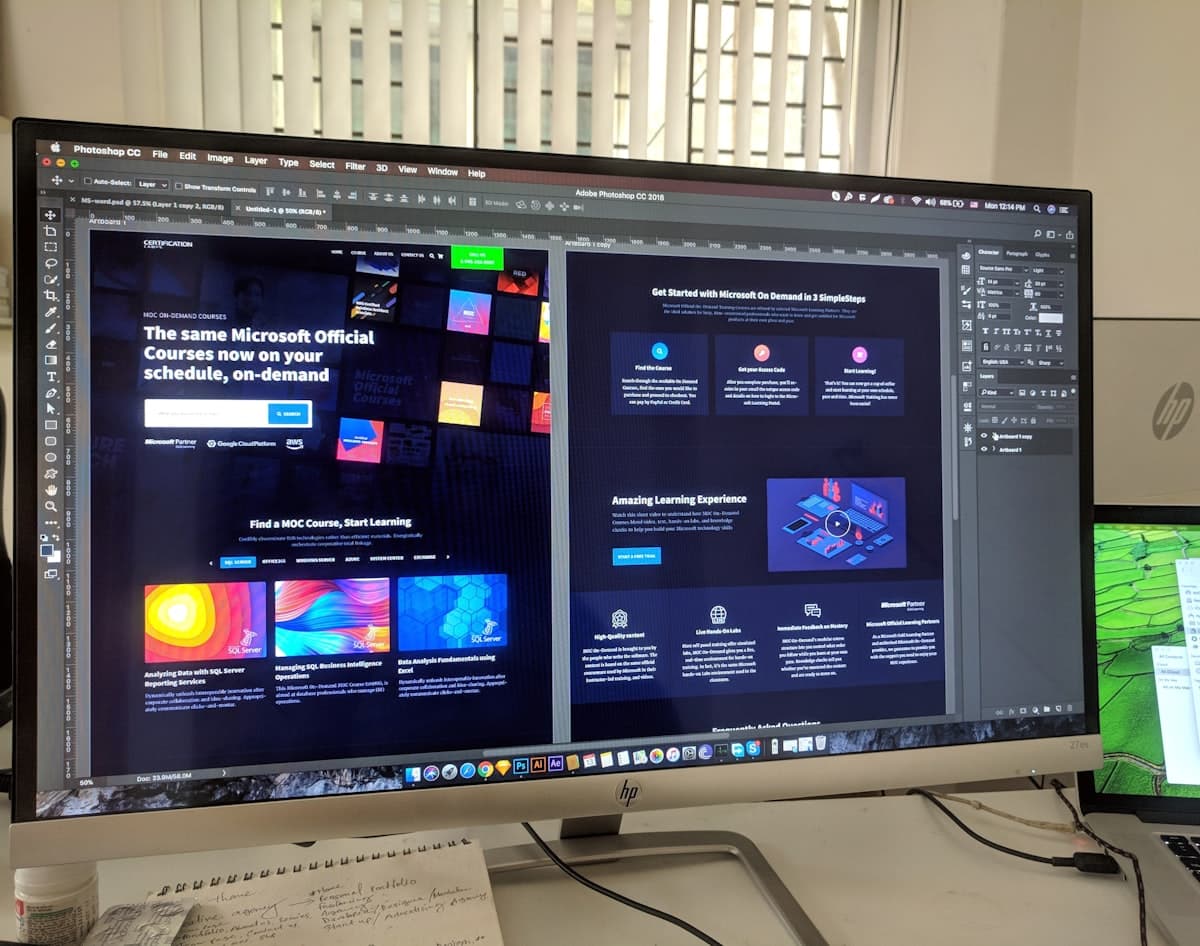
The kinds of problems I'm good at.
- Interactive Figma prototypes (variants, scroll, smart animate)
- Micro-interaction specs (timing, easing, named curves)
- Motion principles document for your team
- Recorded prototype walkthroughs for stakeholders
From kickoff to handoff.
- 01Day 0
Scope call
Free 30-min call to confirm the specific flow + fidelity needed. Quote within 24h.
- 02Day 1–3
Wire up flows
Build the prototype in Figma with variants + interactive components.
- 03Day 4–6
Motion pass
Smart-animate transitions, scroll behaviors, micro-interactions. Refined to feel native.
- 04Day 6–7
Spec doc
Explicit animation timings + easing curves + decision rationale.
- 05Day 7
Walkthrough Loom
Recorded prototype tour with narration. Shareable link for investors / team.
What you'll actually get.
Interactive prototype
Shareable Figma prototype link, mobile-ready.
Motion spec doc
Timing, easing, and rationale for every animation.
Walkthrough recording
Narrated Loom showing the prototype in action.
Handoff package
Animation-specific dev notes (Framer Motion / Reanimated / Lottie hints).
When we're done, you have:
- A prototype investors can actually click through and feel the product
- A motion spec your engineers can implement without guessing easing
- A reusable motion principles doc for future work
- A recorded walkthrough you can send to anyone
What's included.
- Figma interactive prototypes
- Micro-interaction specs (timing + easing)
- Motion principles document
- Recorded prototype walkthroughs (Loom)
- Handoff with explicit animation specs
Common questions.
Figma. For real-code prototypes (Framer / Origami / SwiftUI) I work with motion-engineering partners.
Very. With variants + interactive components + smart-animate you can simulate complex flows including scroll, drag, hover, conditional states. Limit is heavy data/API interaction.
Yes — bring the existing Figma file, I add the motion layer + spec doc.
For specific micro-interactions I can export Lottie JSON. For full screen animations, Figma → After Effects → Lottie is the cleaner path.